


The rapid adoption of smart home technology has transformed how we interact with our living spaces. From voice-controlled lighting to automated security systems, these devices promise convenience and efficiency. However, this technological leap presents a unique challenge: how do you document a product that is inherently digital, connected, and constantly evolving? The traditional instruction manual model simply does not suffice for smart home devices. In 2026, manuals for these products must possess a distinct set of characteristics to truly serve the user.
1
Emphasis on App Integration and Connectivity
Unlike a traditional toaster or lamp, a smart home device is only as useful as its connection to the ecosystem. Therefore, the primary focus of any smart home install guide must be on digital integration.
A smart home manual must guide the user through the process of downloading the correct application, creating an account, and pairing the device. This section should be clear, step-by-step, and assume no prior technical knowledge. It must explain how the device communicates—whether via Wi-Fi, Bluetooth, Zigbee, or Thread—and what the user needs to do to facilitate that connection.
2
Comprehensive Wi-Fi Setup Guidance
Network configuration is often the most frustrating part of smart home installation. A high-quality installation guide dedicates significant space to this topic. It should include:
Network Requirements: Clearly state whether the device supports 2.4GHz, 5GHz, or both, as many smart home devices only operate on the 2.4GHz band.
Troubleshooting Steps: What should the user do if the device fails to connect? Common solutions like restarting the router, checking signal strength, or temporarily disabling a VPN should be included.
Password Guidance: Clear instructions on entering Wi-Fi credentials, especially for devices without traditional screens.
3
Detailed Privacy Settings and Security Information
Smart home devices collect data. Users are increasingly aware of and concerned about this fact. A responsible user manual addresses these concerns head-on. It must clearly explain:
What data the device collects and why.
How that data is stored and protected.
How the user can adjust privacy settings within the app.
Steps to secure the device, such as enabling two-factor authentication on the associated account.
Transparency in the instruction manual builds trust and empowers the user to make informed decisions about their privacy.
install guide
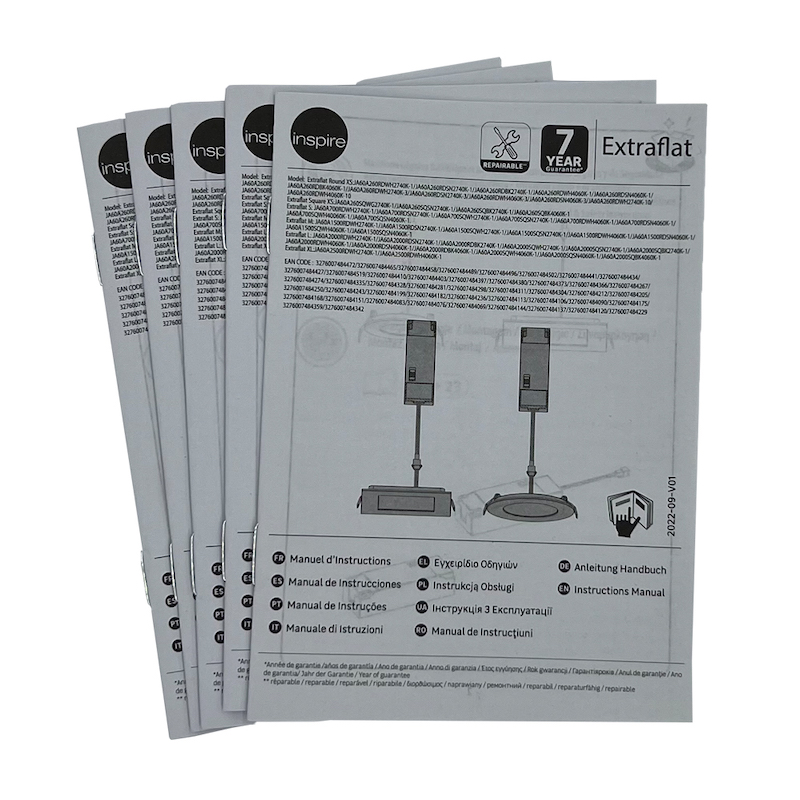
install instructions

installation guide
user manuals
4
Extensive Visuals: Screenshots and Diagrams
Text alone is rarely sufficient for smart home documentation. Users need to see what they should be seeing on their smartphone screens. A modern install guide for smart devices is rich with screenshots showing the exact app interfaces users will encounter. These visuals should:
Highlight the correct buttons to press.
Show what a successful connection looks like.
Illustrate menu paths for adjusting settings or creating automation routines.
For physical installation (e.g., mounting a camera or sensor), clear diagrams showing placement, drilling points, and proper orientation are essential.
5
Voice Command References
A key feature of smart home devices is voice control integration with assistants like Amazon Alexa, Google Assistant, or Apple Siri. The user manual should include a dedicated reference section listing common voice commands. This might include:
"Alexa, turn on the living room lights."
"Hey Google, set the thermostat to 72 degrees."
"Siri, lock the front door."
Providing this reference helps users immediately engage with the full functionality of their device, enhancing their experience and satisfaction.
6
Guidance on Automation Routines
The true power of the smart home lies in automation—devices working together based on triggers. A forward-thinking install guide introduces this concept and provides examples. It should guide the user on how to create routines within the app, such as:
Turning on lights at sunset.
Having the thermostat adjust when the last person leaves home.
Receiving a notification when a motion sensor is triggered.
By including this in the instruction manual, manufacturers encourage users to explore deeper integration, increasing engagement and product stickiness.
7
Personalization and Branding Opportunities
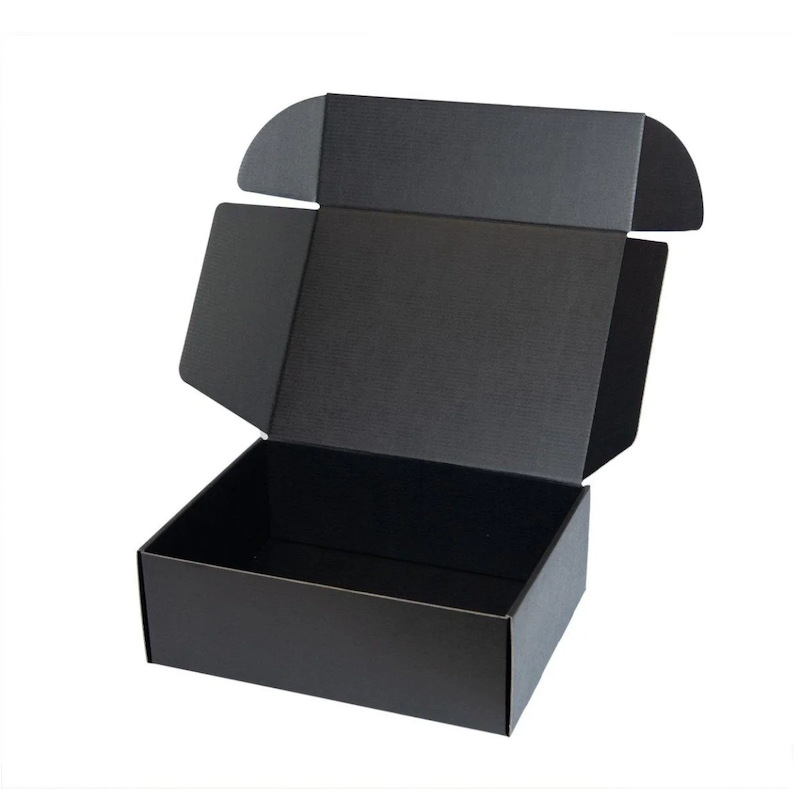
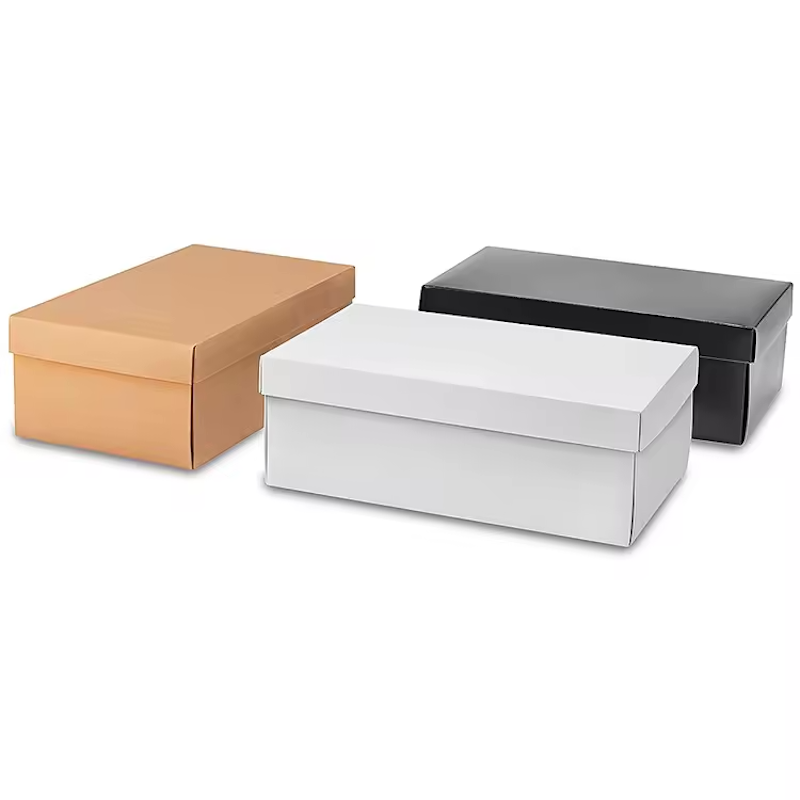
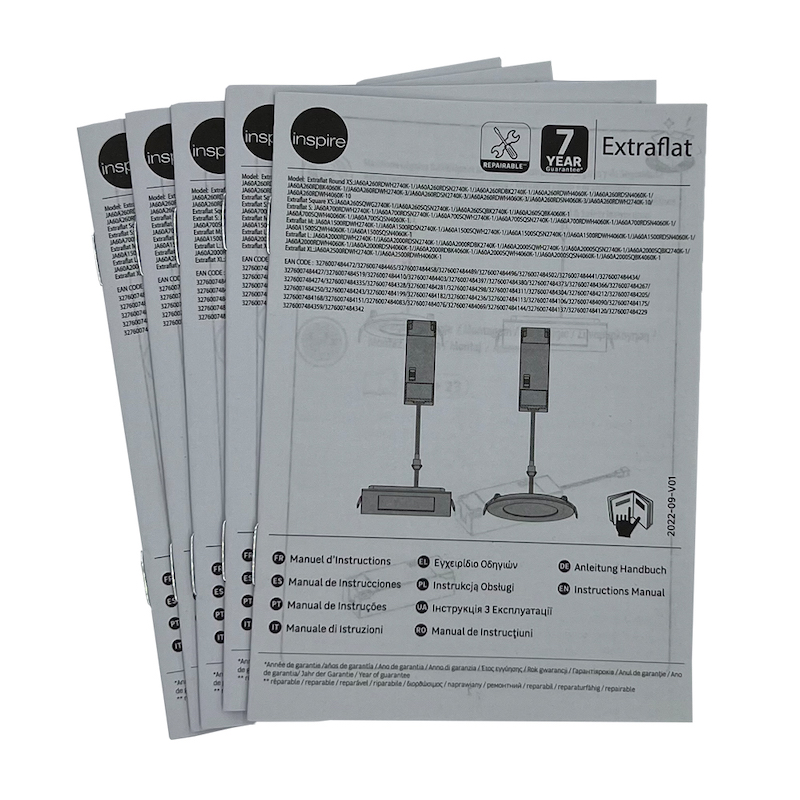
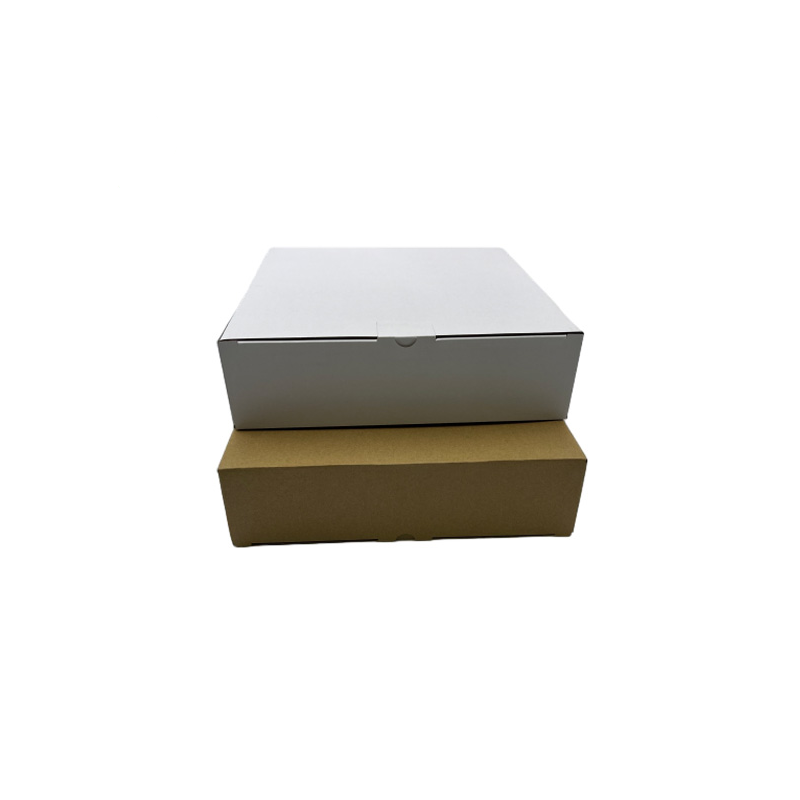
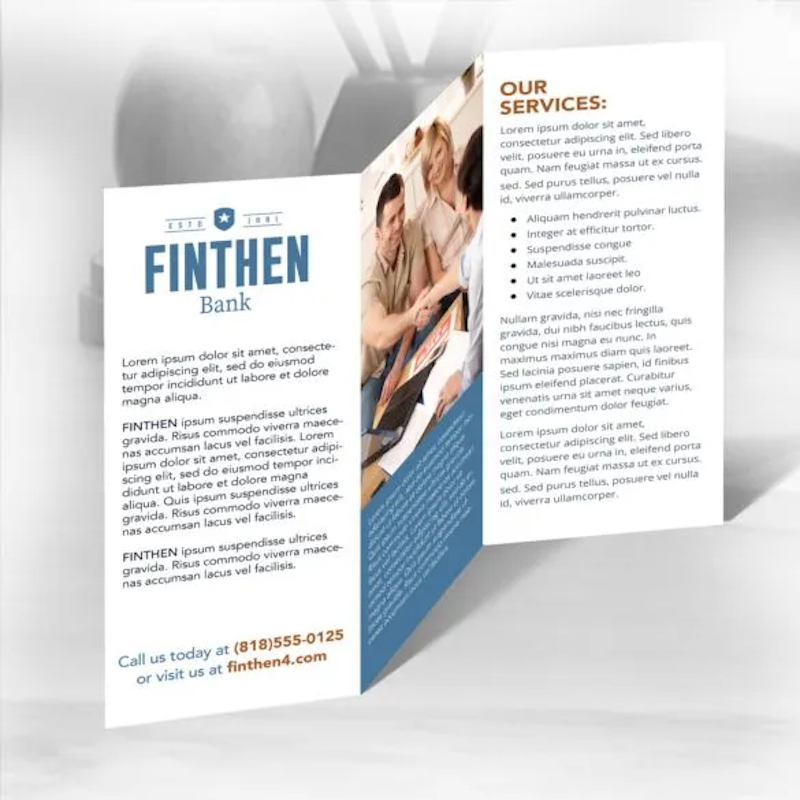
Beyond technical content, the physical document itself plays a role in brand perception. XIAMEN XINLIHONG PAPER CO.,LTD understand that the installation guide is an extension of the product experience. Our install guide offerings include a whole lot of sizes and patterns to pick out from to fulfill the packaging wishes of various items. At the identical time, the company logo, slogan, recipient information, etc. may be imprinted on the user manuals in keeping with consumer wishes to boom the personalization and popularity of the user guide. A well-designed, branded manual reinforces the quality of the product and creates a cohesive unboxing experience that customers remember.
The instruction manual for a smart home device is no longer a mere afterthought or a legal necessity. It is a critical component of the user experience, guiding the customer through setup, security, and advanced usage. By prioritizing app integration, Wi-Fi guidance, privacy transparency, rich visuals, voice command references, and automation education—and by presenting this information in a personalized, high-quality format—brands can ensure their smart home products are not just purchased, but truly understood and enjoyed.
